
Runwhatyoupaidfor.
License, download, sign in. Native Windows tools for the asymmetric horror community — local, quiet, patched in hours.
- Active users
- 1,000+
- Uptime
- 99.9%
- Patch speed
- <1h
- Delivery*
- Instant
* Delivery time may vary by tool — some products require manual activation. See the product page for details.
Windows 10+ · portable .exe
Pick a tool. Run it tonight.
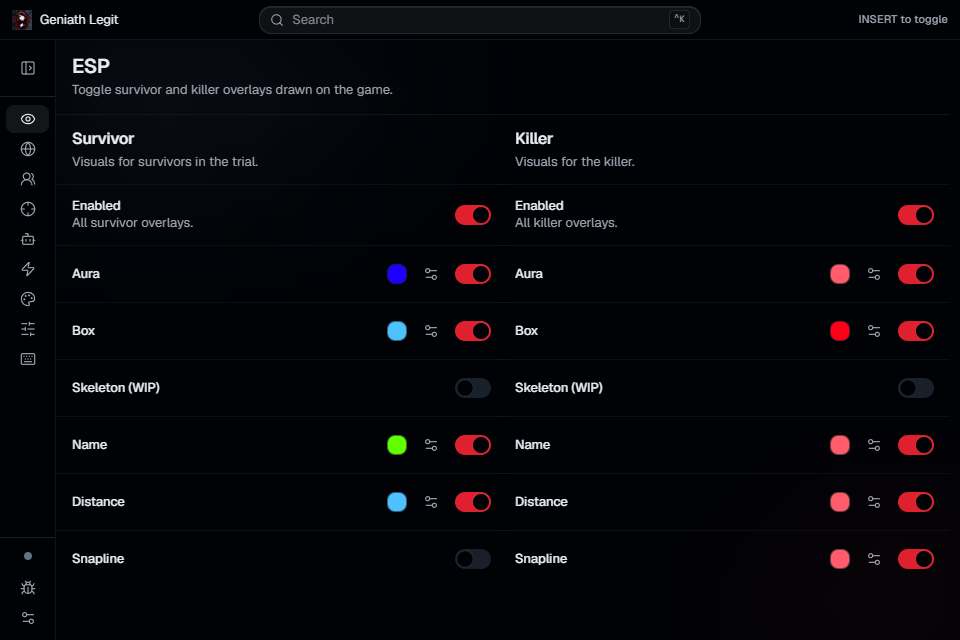
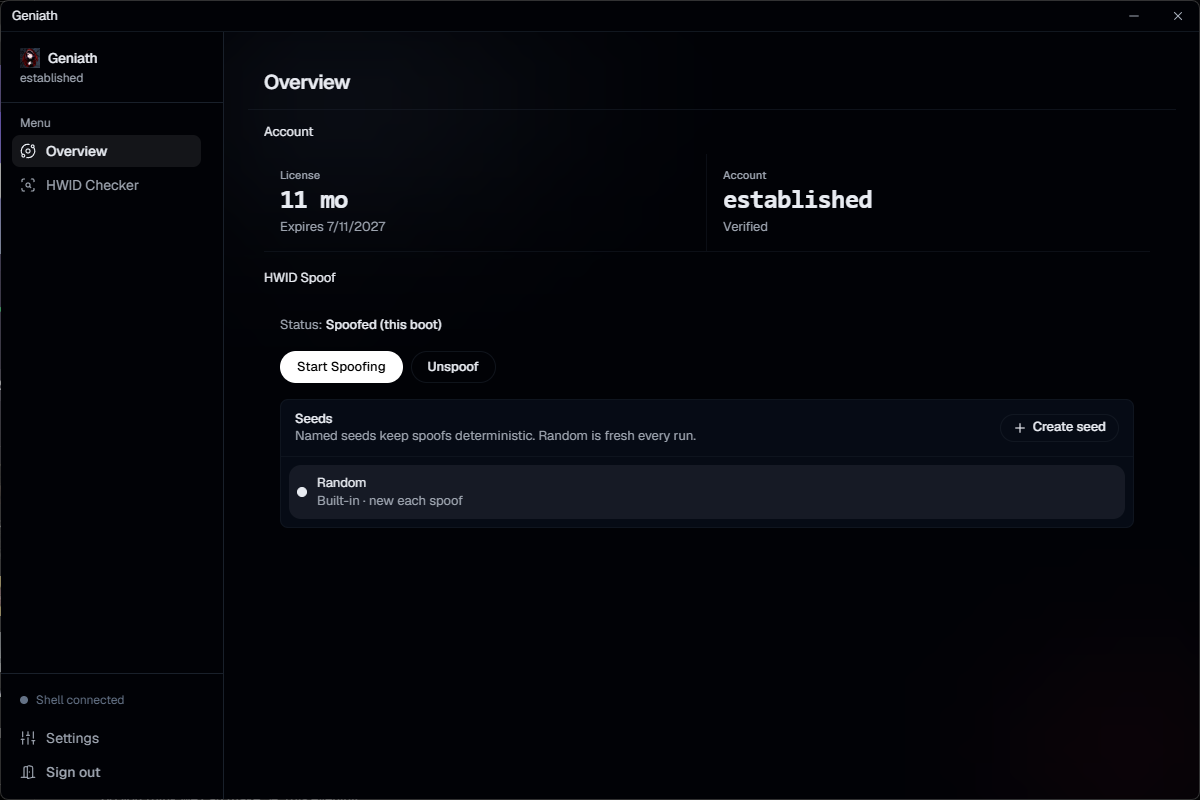
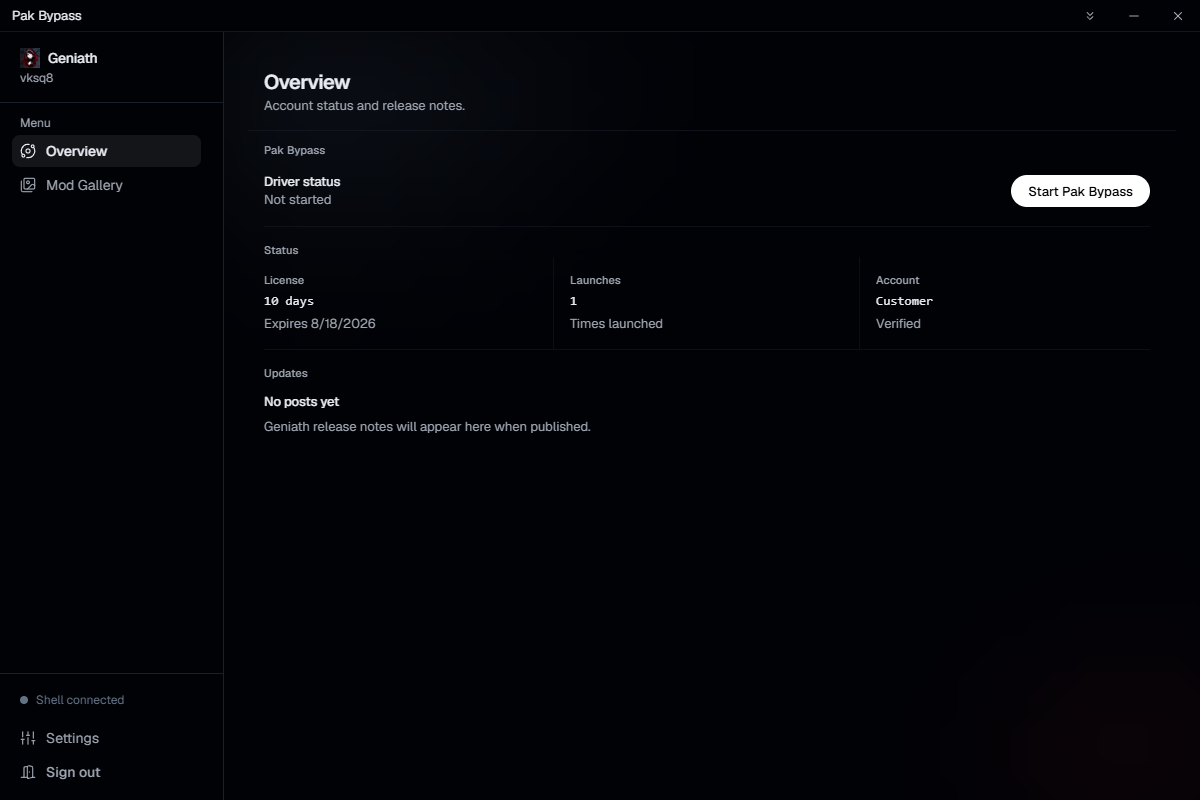
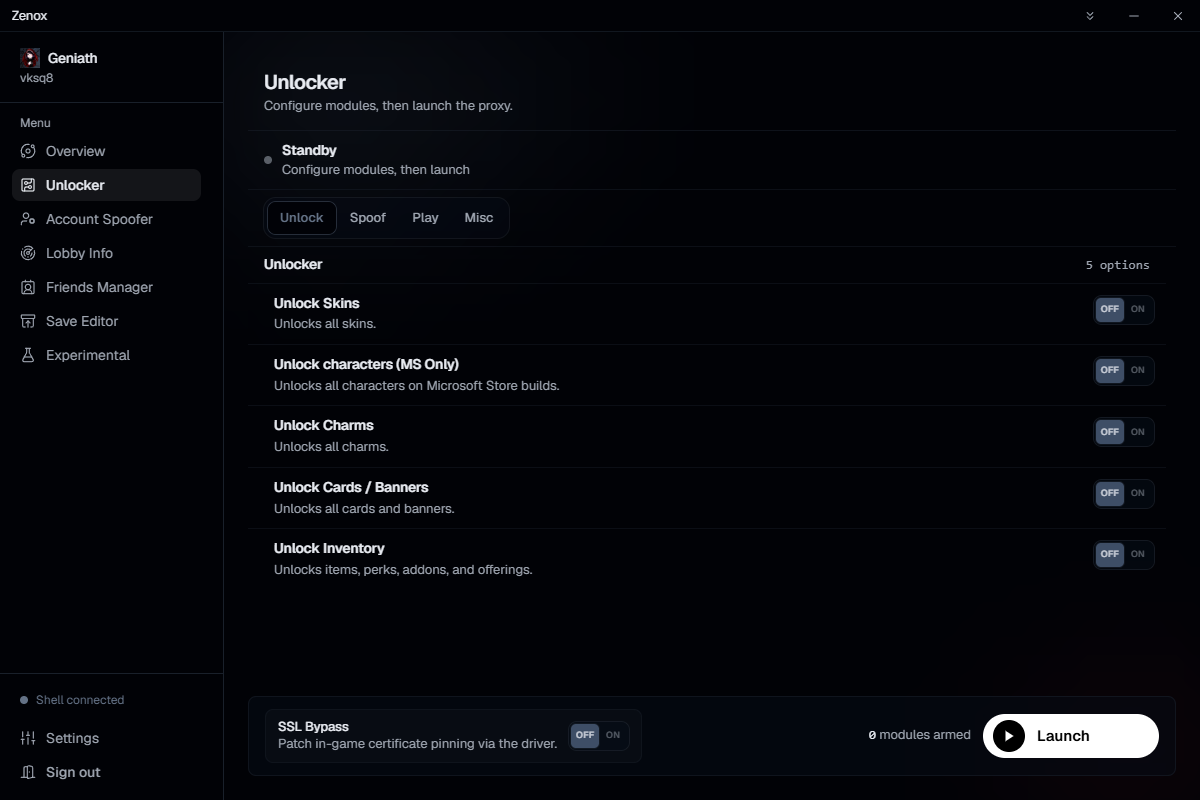
4 native Windows products. Open a card, buy a license, download.
What are you looking for?
Answer a couple of questions. We score the live catalog, mint a 10% code per tool, and drop matches in a SellApp cart so you can take more than one.
01 / 02
What’s the job?
Pick every line that fits. None of these shows the catalog.
- “Signed in, downloaded, queued. That’s the whole story.”House
- “Patch hit, they shipped the same night.”House
- “No extra processes. Just the tool.”House
Built to stay on the machine.
Three things we will not trade away.
Local
Session data lives on your disk. Nothing syncs unless you choose.
Patched in hours
Breaks happen. Fixes ship the same day when we can.
Real support
Discord with the people who built it — not a ticket maze.
Three steps. Then you’re in.
Buy
A license on the product page.
Download
The portable .exe.
Sign in and run
Queue when you’re ready.
Windows 10+ · %LOCALAPPDATA%\Geniath
Before you buy.
Do I need an account?
Yes. Buy, download, then sign in inside the tool.
Where does my data live?
On your machine (%LOCALAPPDATA%\Geniath).
How fast are updates?
We aim for hours after a break, not days.
Is this Windows-only?
Yes. Windows 10+, portable .exe.
How do I get help?
Discord.